HyxiPower user manual
Already a customer? Here you can read how the app works, how backup works, and how to link Frank Energie.
User manual
HYXi Power home battery
10 years
Factory warranty
24/7
App monitoring
0%
Maintenance
About your home battery
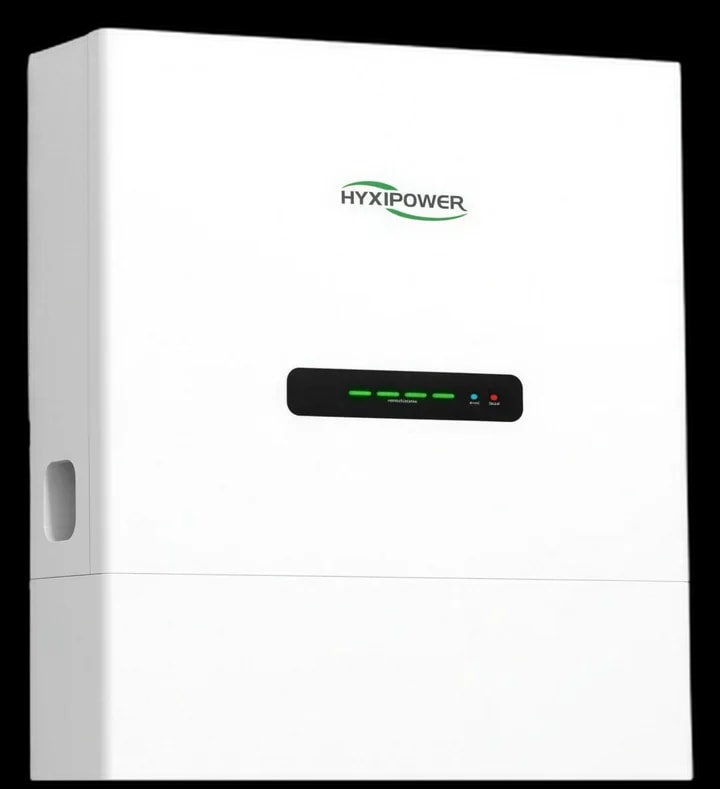
Congratulations on your HYXi Power home battery. With this system you can store energy and use it at the moments that are financially or practically most beneficial.
The system can work together with:
- Solar panels
- The electricity grid
- Dynamic energy contracts
- Energy management systems (EMS)
What does your home battery do?
The home battery stores energy so it can be used at a later moment.
The energy can come from:
- Solar panels that generate energy during the day.
- Cheap power from the electricity grid.
- Automatic energy trading via imbalance tariffs.
The stored energy can then be used when:
- The solar panels generate little or no energy.
- The electricity price is high.
- The electricity grid temporarily fails (only on systems with a backup function).
Important to know:
Not every home battery includes backup power as standard. Whether you have backup power depends on the type of installation you chose (for example a hybrid system with or without backup).
Without this option the battery provides no power during an outage.
With backup function (backup power)
Without backup function (no backup power)
During a power outage (hybrid with backup)
When the electricity grid fails, the system automatically detects the outage. With a backup installation we can keep part of your home powered, based on your wishes.
Hybrid backup installation:
- The system automatically detects the outage.
- The battery switches over to backup power.
- 2 circuits in the home keep working.
- Switching over takes 0.01 seconds.
Appliances often connected to backup power:
- Fridge and freezer
- Lighting
- Internet and router
- General sockets
- Central heating boiler
Heavier appliances are usually not connected to backup power:
- Induction hob
- Heat pump
- EV charging station
- Sauna or whirlpool
With hybrid backup installations, typically a maximum of two B16 circuits can be supplied with backup power.
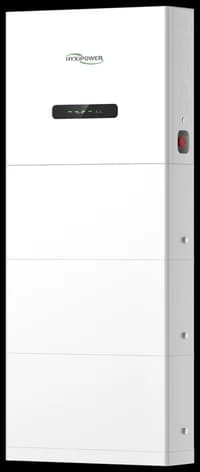
Full backup with the HYXi All-in-One system
With a HYXi All-in-One system the entire fuse box can be placed on backup power. This means all circuits in the fuse box can stay active during an outage.
Examples of appliances that can then keep working:
- Induction hob
- Heat pump
- EV charger
- Air conditioning
- Sauna or whirlpool
Complete user guide for the HYXi app
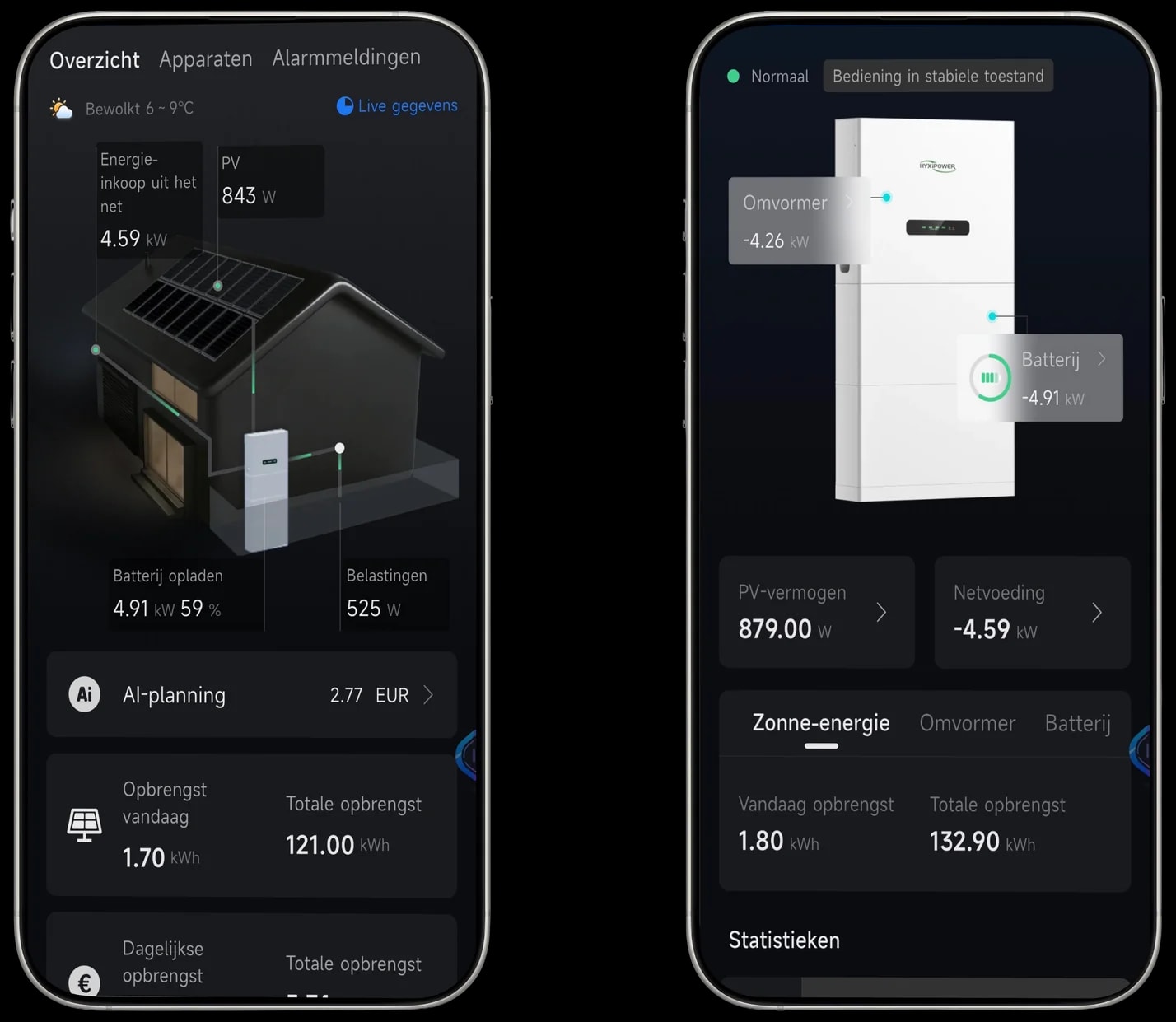
Overview of the energy flow
The overview screen directly shows the energy flows: solar generation, household consumption and whether the battery is charging or discharging.
Charging the battery
The battery stores energy when there is a solar surplus, or when the system is trading and cheap power is being bought.
Discharging the battery
By default the battery discharges when there is not enough solar energy available.
Solar panel information
View the technical data of your solar panels, such as current power, voltage and current, provided they are connected directly to the battery's inverter.
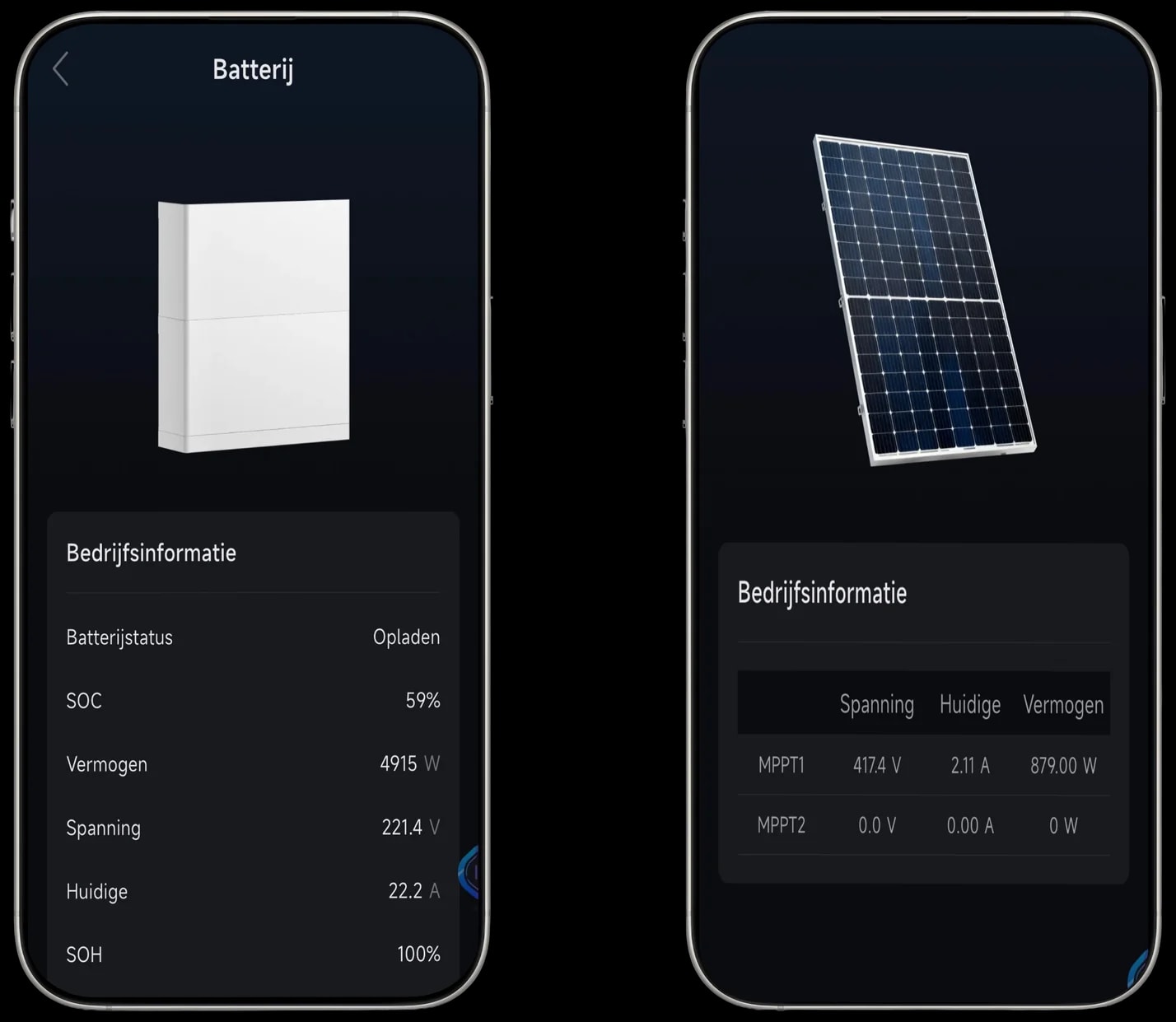
Battery information
Here you see key battery information, including the charge percentage (SOC), the power and the health (SOH).
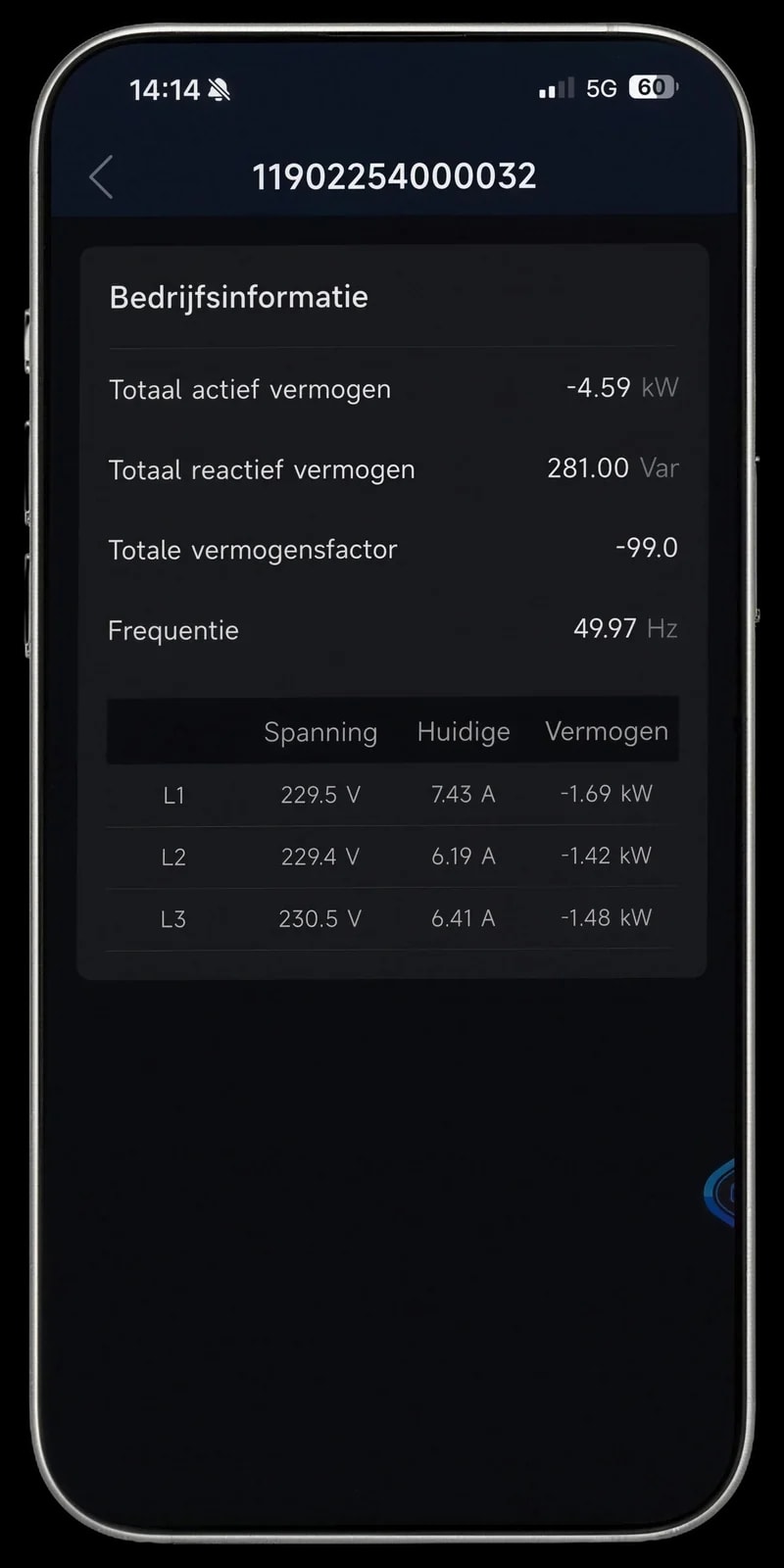
Grid information
This screen shows information about the grid connection, such as the power drawn or exported and the voltage and current per phase (L1, L2, L3).
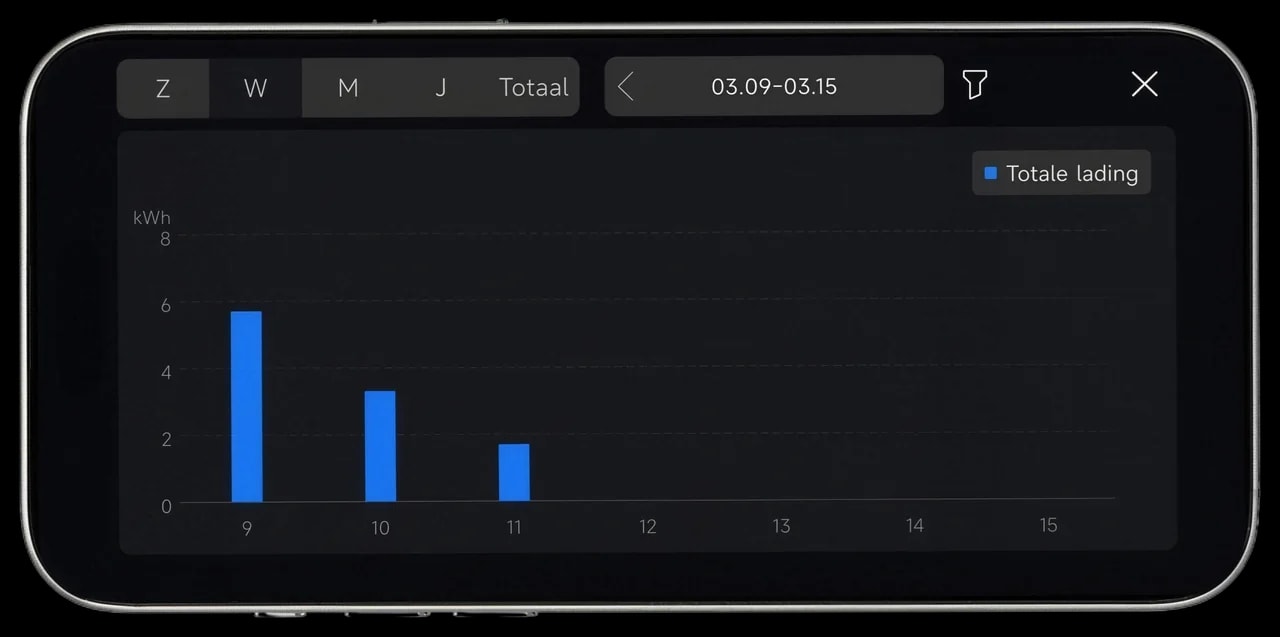
Statistics and charts
Analyse in charts how much energy was charged or discharged by switching between day, week, month and year views.
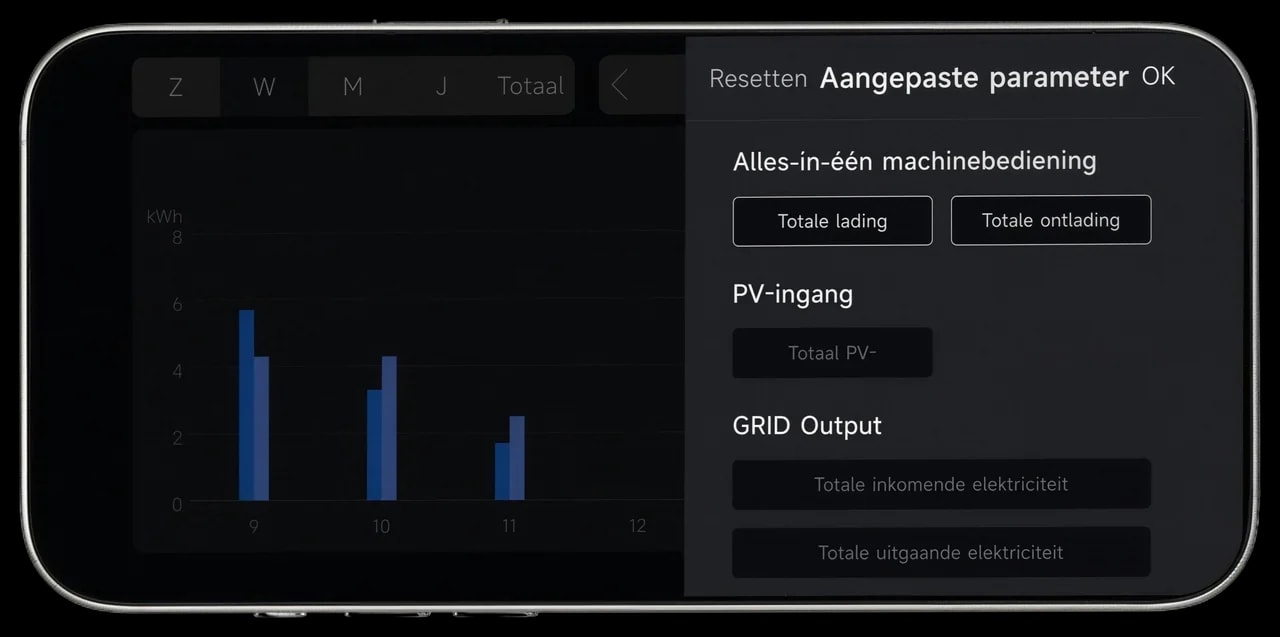
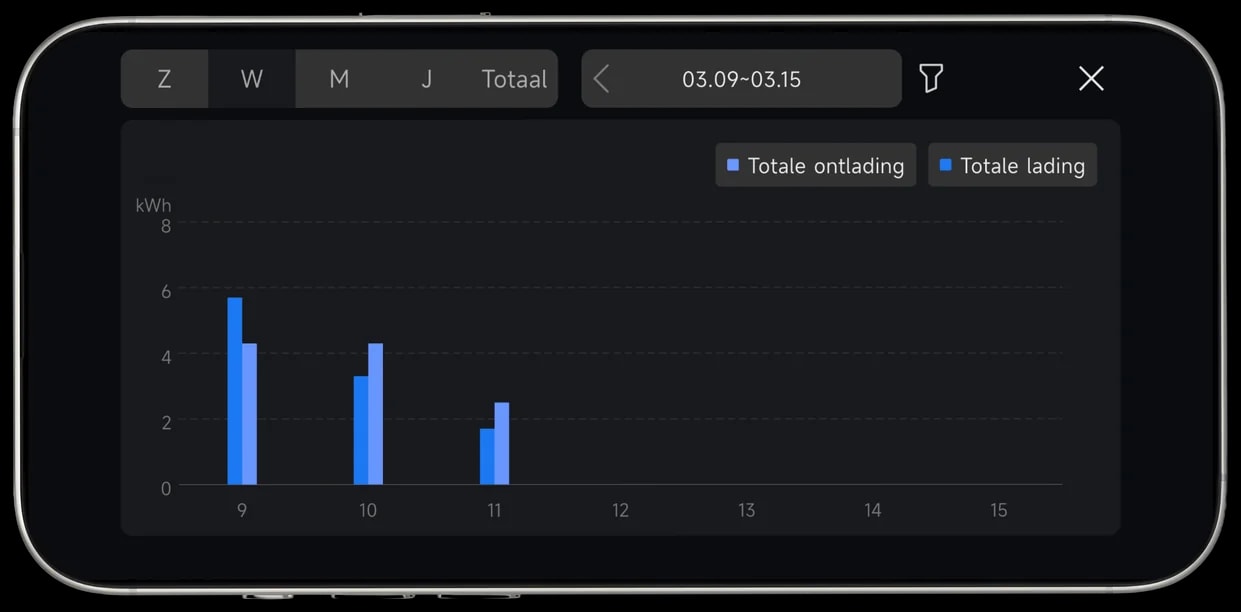
With the HYXi app you can easily monitor how your energy is used. You can see when the battery charges or discharges and how much energy is drawn from the grid.
Solar panel production is not always visible when the panels are not connected directly to the system.
Examples from the HYXi app
Recognise your own situation in the app with these practical examples.
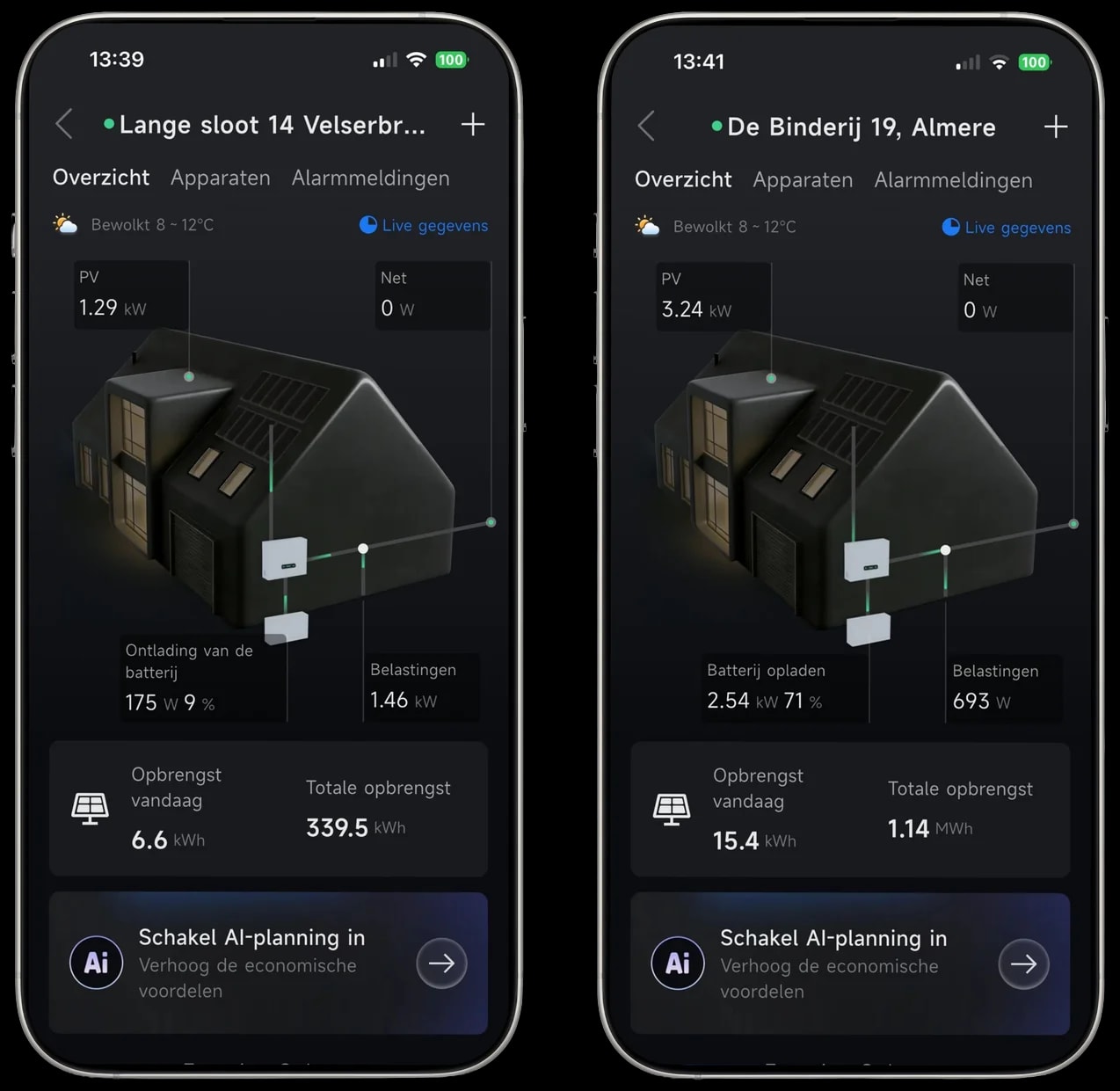
Battery discharging
Situation 1 | Panels power the home, battery discharges alongside
The panels do not generate enough for total consumption. The battery steps in to make up the shortfall.
Battery charging
Situation 2 | Home powered and battery charging
Generation exceeds consumption. The surplus is stored in the battery (2.54 kW, 71%).
Exporting to the grid
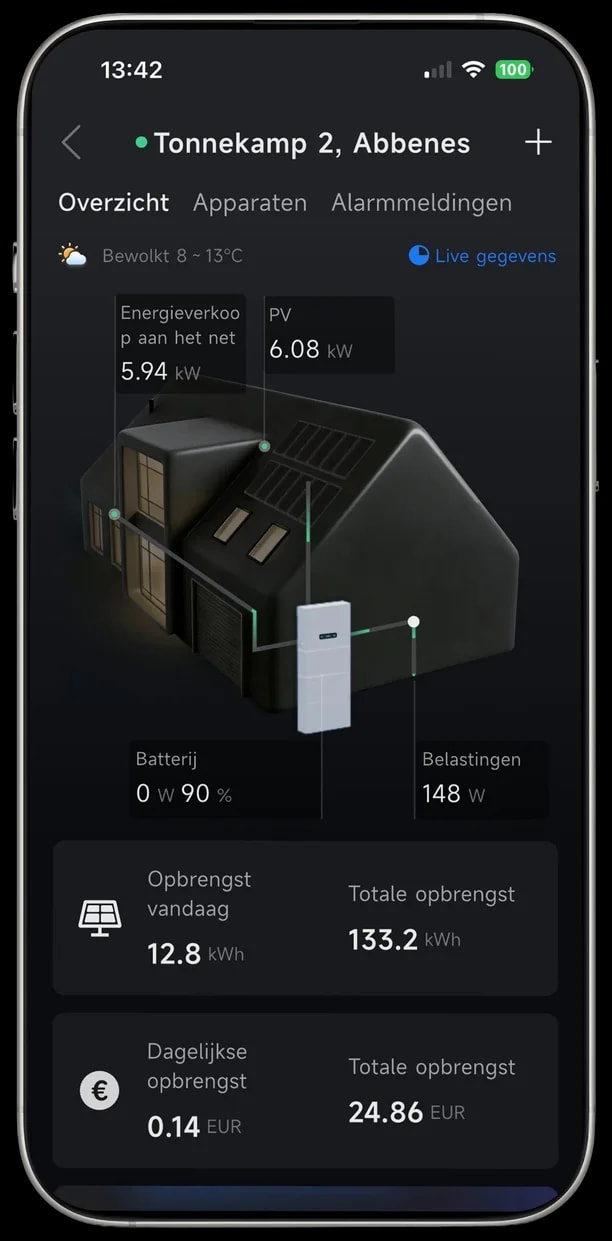
Situation 3 | Battery full, surplus power back to the grid
The battery is nearly full (90%). The extra generation (5.94 kW) is exported to the electricity grid.
Explained: dynamic costs & usage
The dynamic part:
There we show a chart of your actual costs and usage up to that moment. If you select 'month' at the top you see your actual costs per day, and if you select 'day' you see the actual costs per hour or quarter hour, depending on your contract.
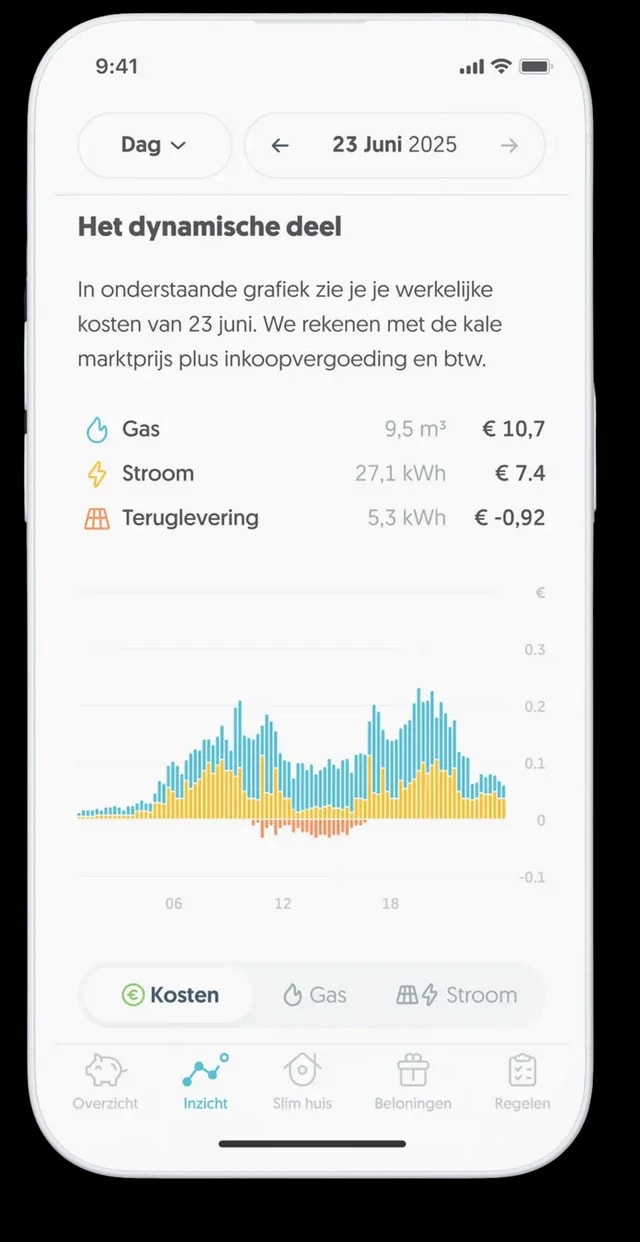
Under Costs you see:
- The costs for gas and electricity.
- The costs or earnings from exporting.
For electricity usage:
- A positive amount means costs.
For exporting:
- A positive amount means earnings.
- A negative amount means costs.

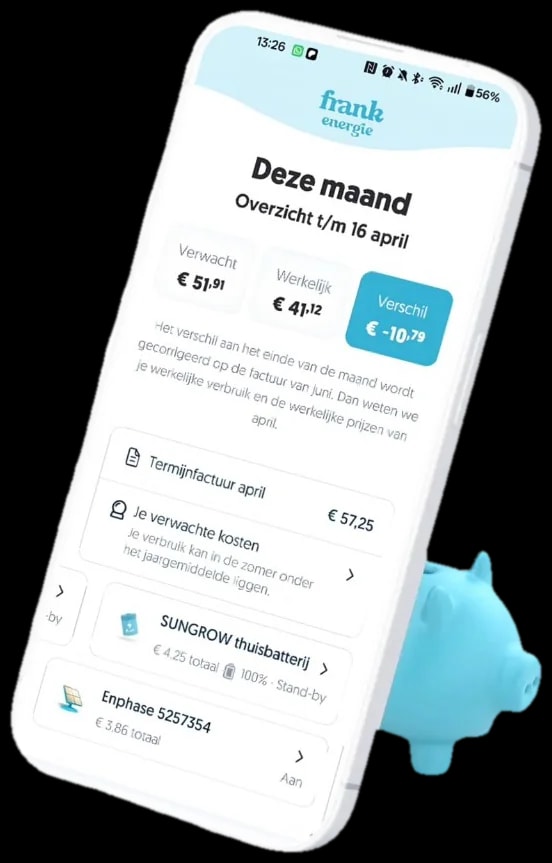
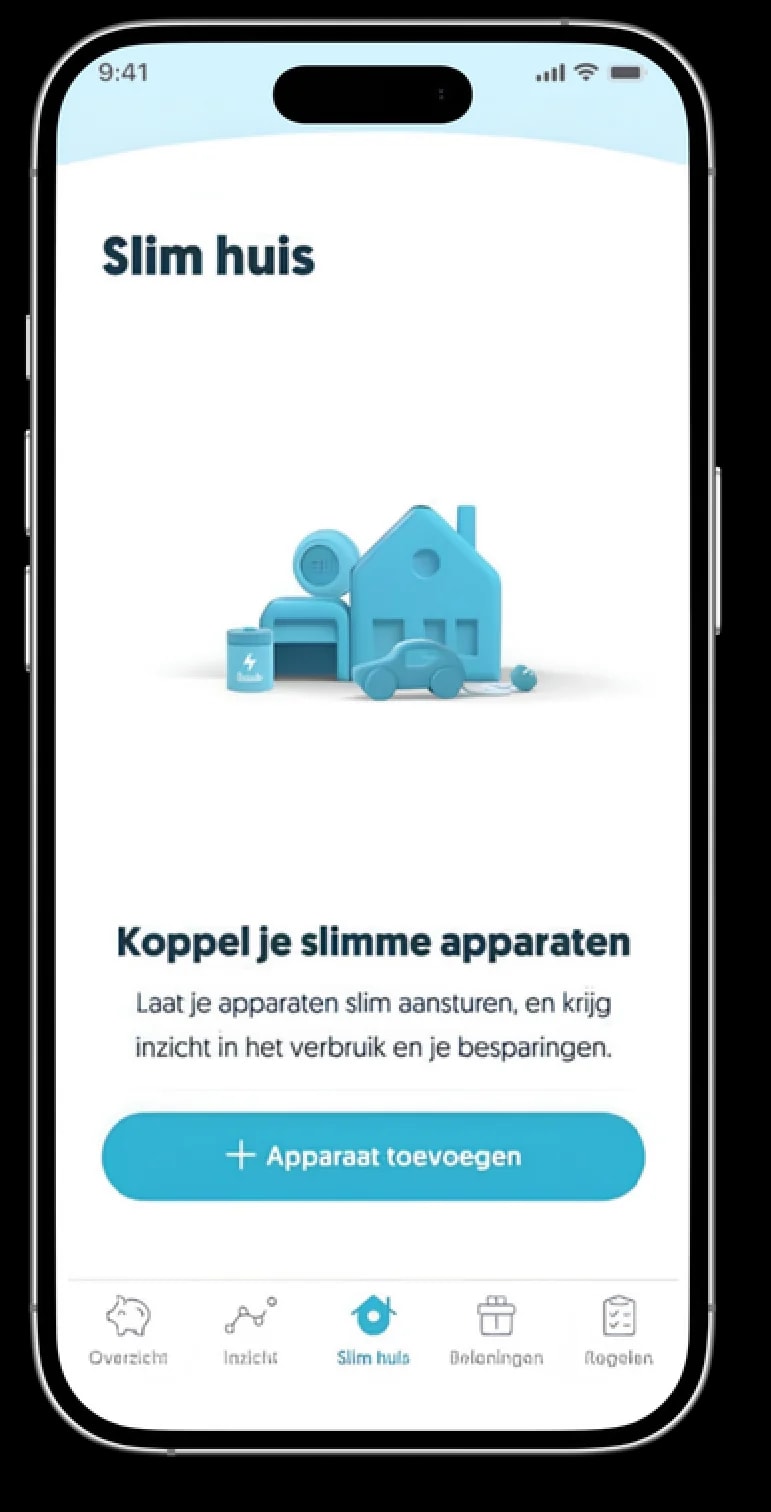
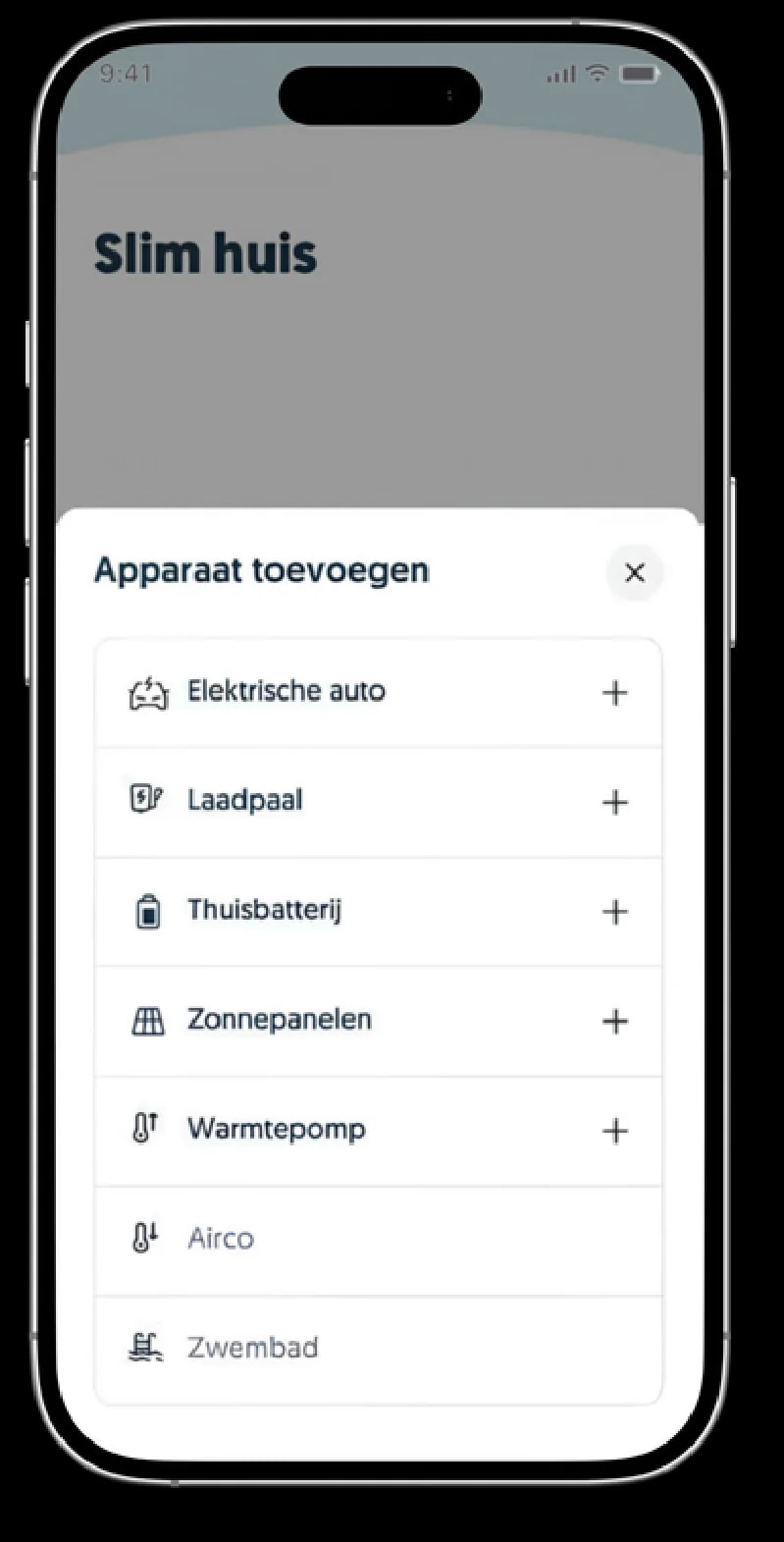
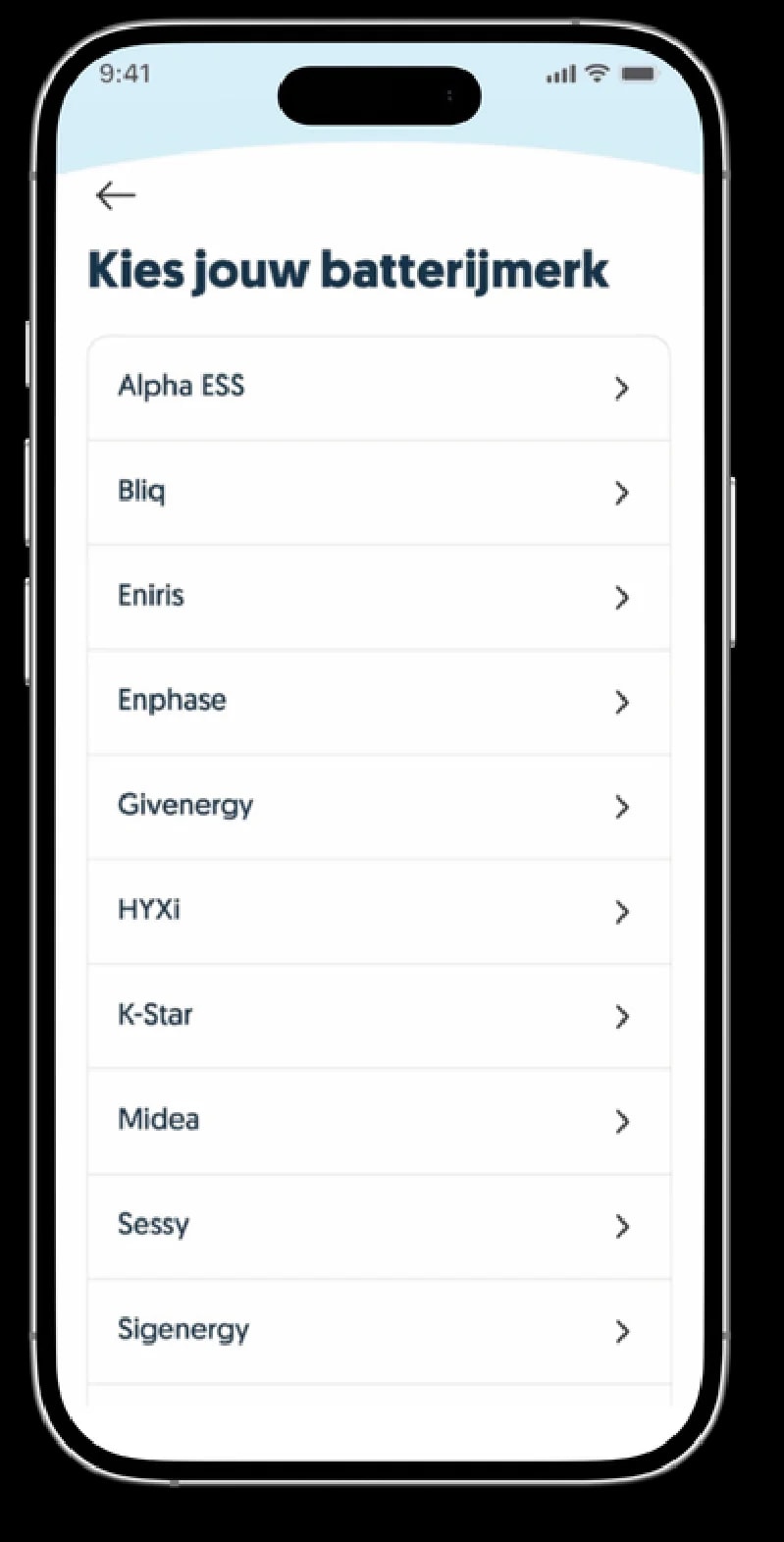
Here we explain how to link your home battery to the Frank Energie app and which steps to follow.
Step 1:
Open the Frank Energie app.
Step 2:
Go to the 'Smart Home' tab and tap 'Add device'.
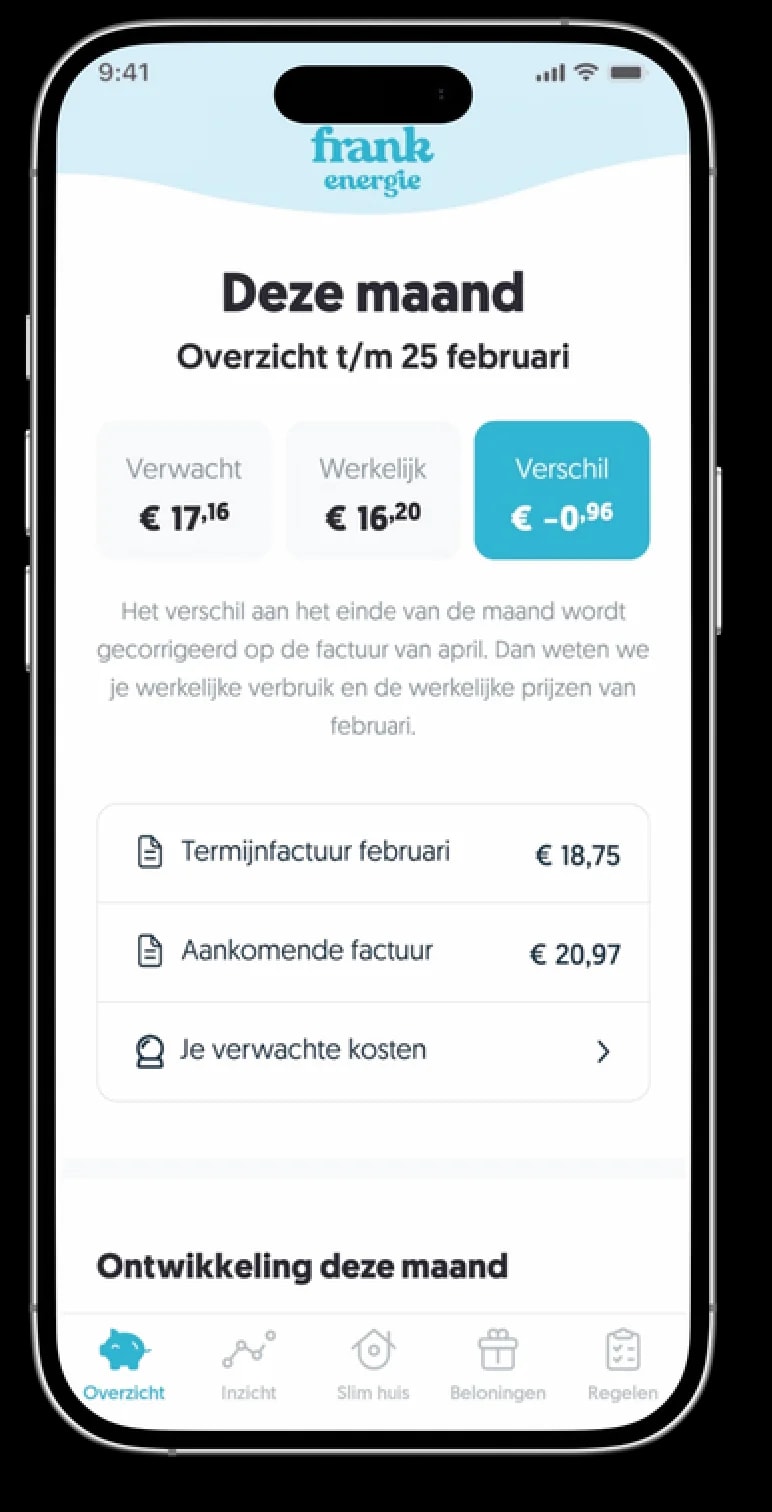
Step 3:
Tap 'Home battery'.
Step 4:
Choose your battery brand and complete the sign-up process there.
Documents
HyxiPower user manual
Download the full manual with app instructions, Frank Energie linking and FAQs.